
Logging in & accounts
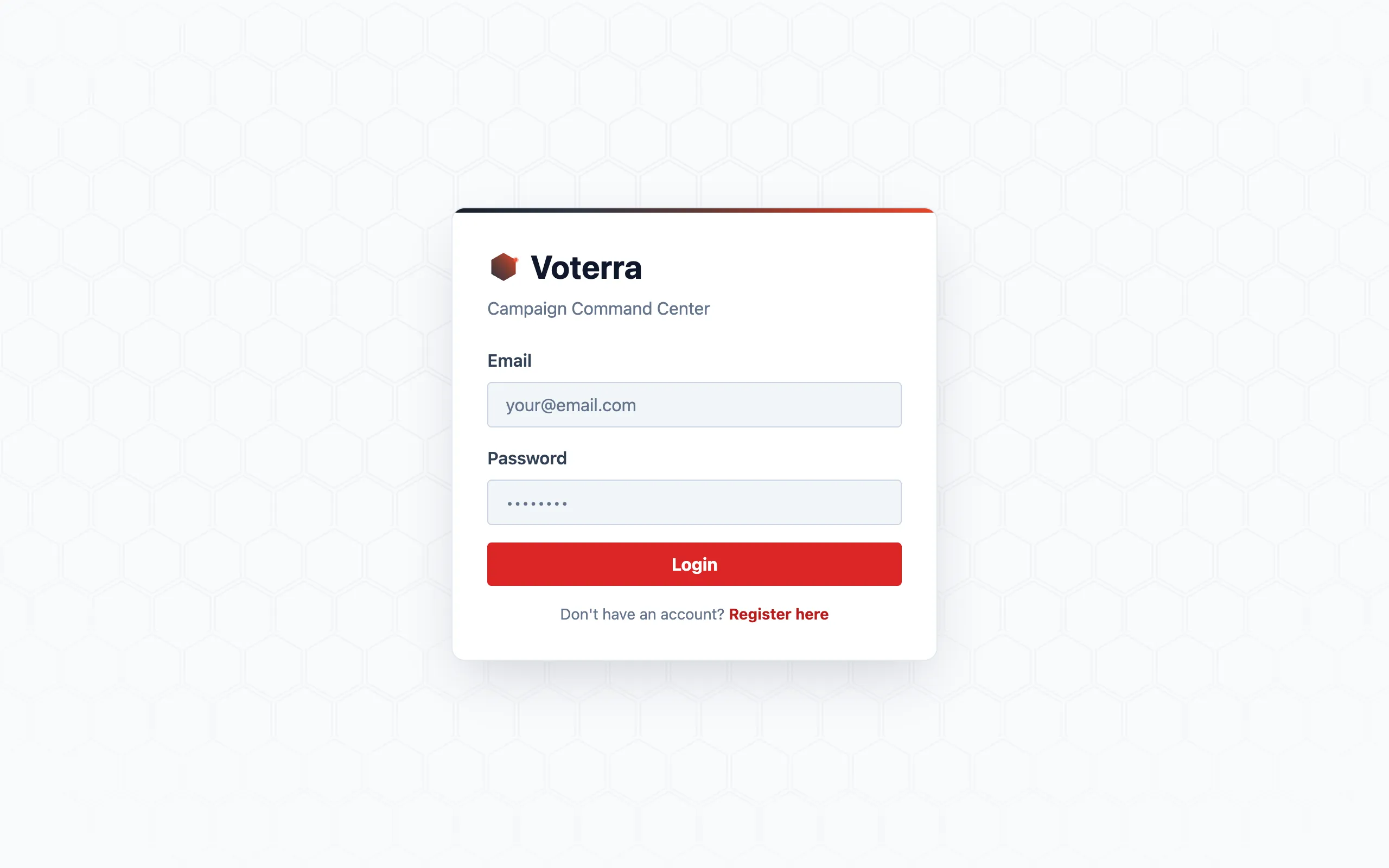
Everyone signs in the same way: your organization’s Voterra address, your email, your password. Sessions are per-person — there are no shared logins, so the activity feed and the audit trail always know who did what.
Invites: how accounts are born
Section titled “Invites: how accounts are born”Nobody on your team is ever handed a password somebody else chose. When a manager adds you — one at a time from Admin → Users, or a whole roster at once through Campaign Setup — Voterra mints a personal invite link. Open it, set your own password, and you’re in; your role and your turf are already attached.
Lost the link, or it expired? Whoever added you can press Re-invite on your row to issue a fresh one. Nothing about your account is lost.
Roles: everyone sees their own slice
Section titled “Roles: everyone sees their own slice”Your account carries a role — coordinator, canvasser, analyst, texting lead, candidate, and so on — and, often, a turf: the part of the county you work. Together they decide what you see. A canvasser opens the app and finds their assigned doors, not the county’s whole voter file; an analyst gets maps and trends without personal contact details; a candidate sees their own race, walled to their district.
The full breakdown of who sees what: Roles & access.
Adding teammates
Section titled “Adding teammates”Only admins and organization managers (plus anyone deliberately granted the permission) can create accounts. If you need a teammate added, ask your campaign manager — it takes them under a minute, and the how-to is in Manage users.
Signing out & sessions
Section titled “Signing out & sessions”Log out lives in the top-right corner on every screen. Sessions expire on their own after a period of inactivity; signing back in puts you exactly where your role starts.