
Field operations
Field operations is the live half of the platform — the screens that are open while crews are out knocking. There are three: the canvasser’s shift, the reviewer’s AAR inbox, and the office’s activity dashboard.
Canvass shift
Section titled “Canvass shift”The Canvass view is the door-knocking surface. A canvasser opens an assigned route, taps Start to open a shift, and logs an outcome at each door — Talked, Not home, Refused, Moved, Come back, or Do not contact. Every entry is stamped with a timestamp, the shift it belongs to, and GPS coordinates when the phone shares its location — and queues locally when signal drops.
The full canvasser walkthrough — preloading, offline behavior, what to capture at the door — lives in the Field operations how-to.
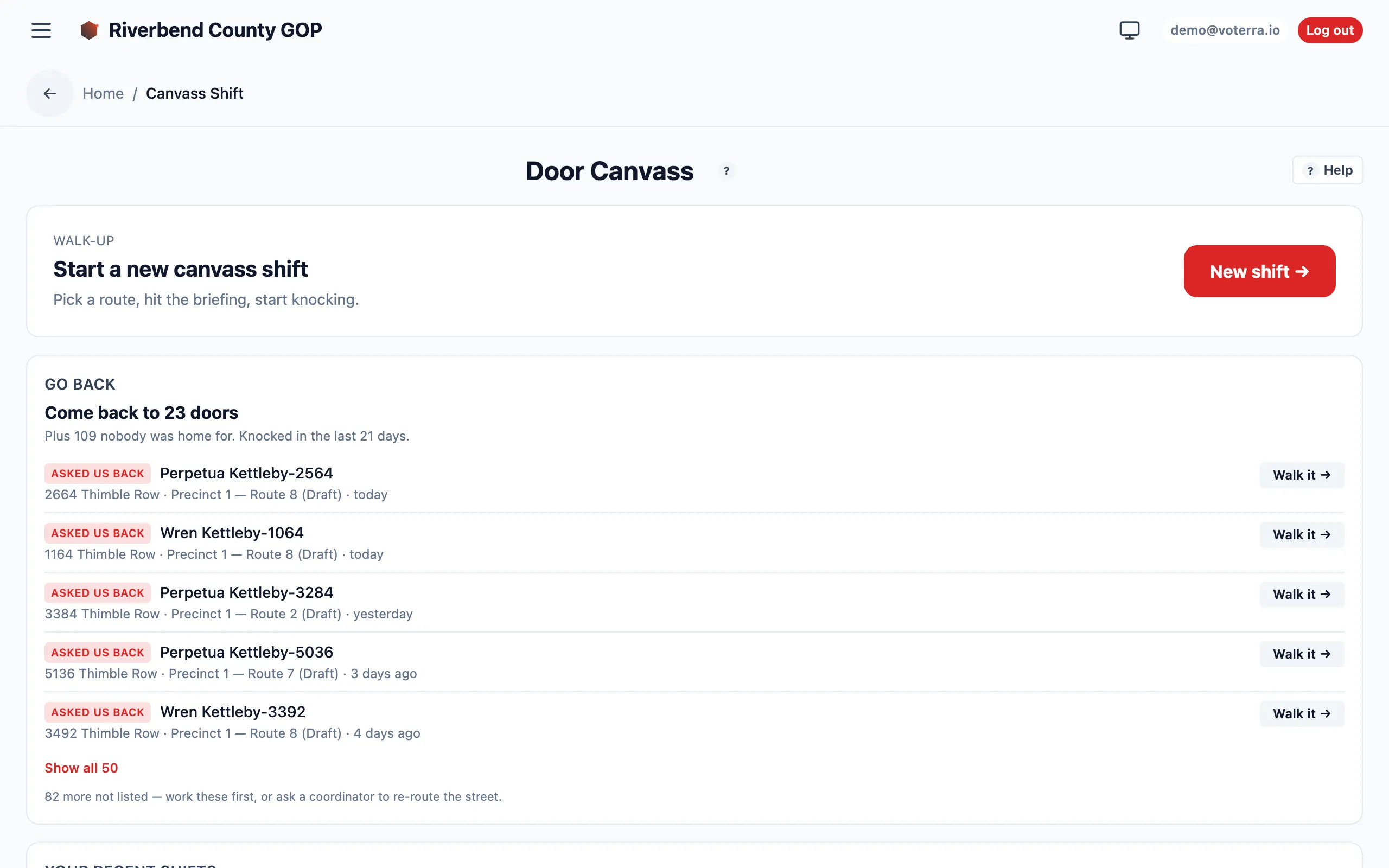
Shift management: start a shift and review recent ones.
Canvassers run this from a phone in the field, so every surface is built mobile-first — the same shift screen, sized for one hand:
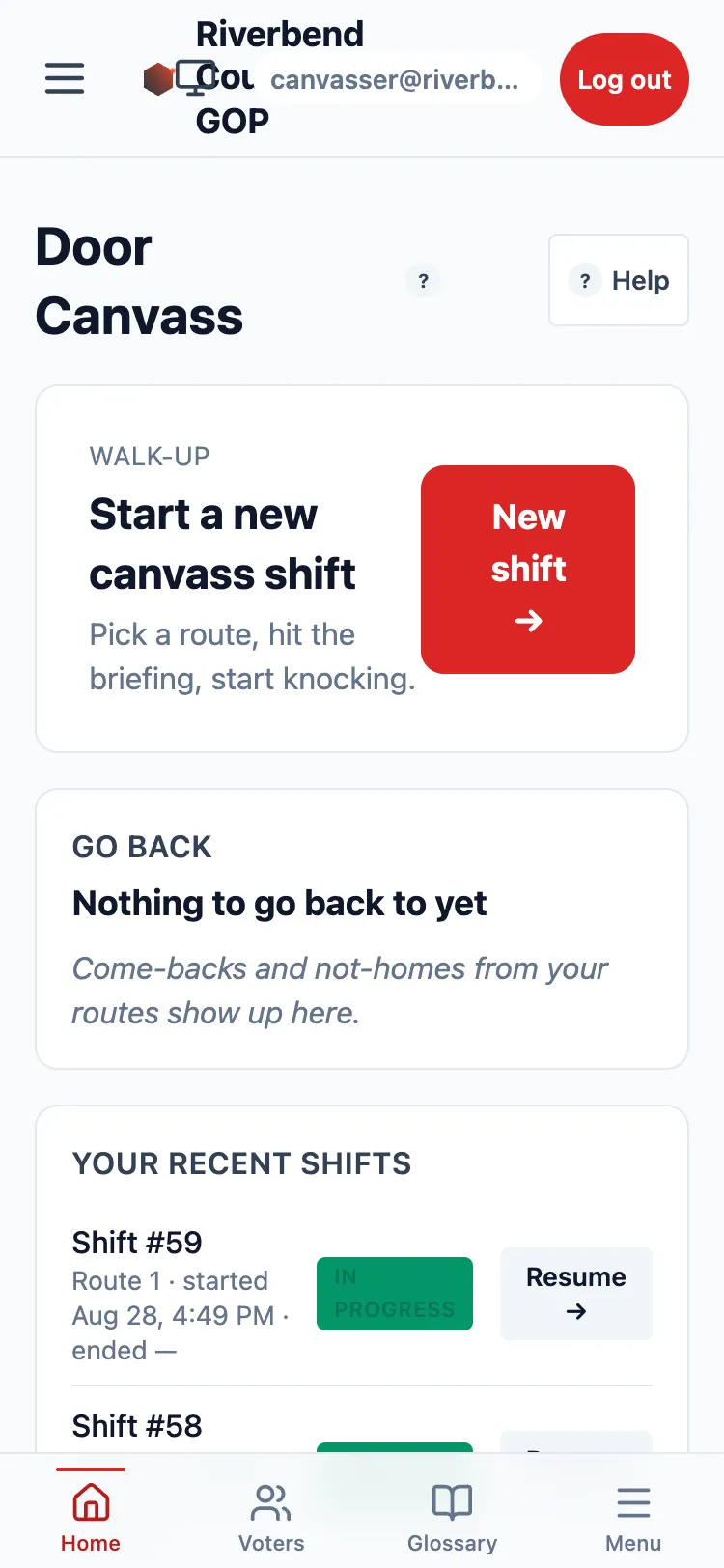
The canvasser’s home screen on a phone.
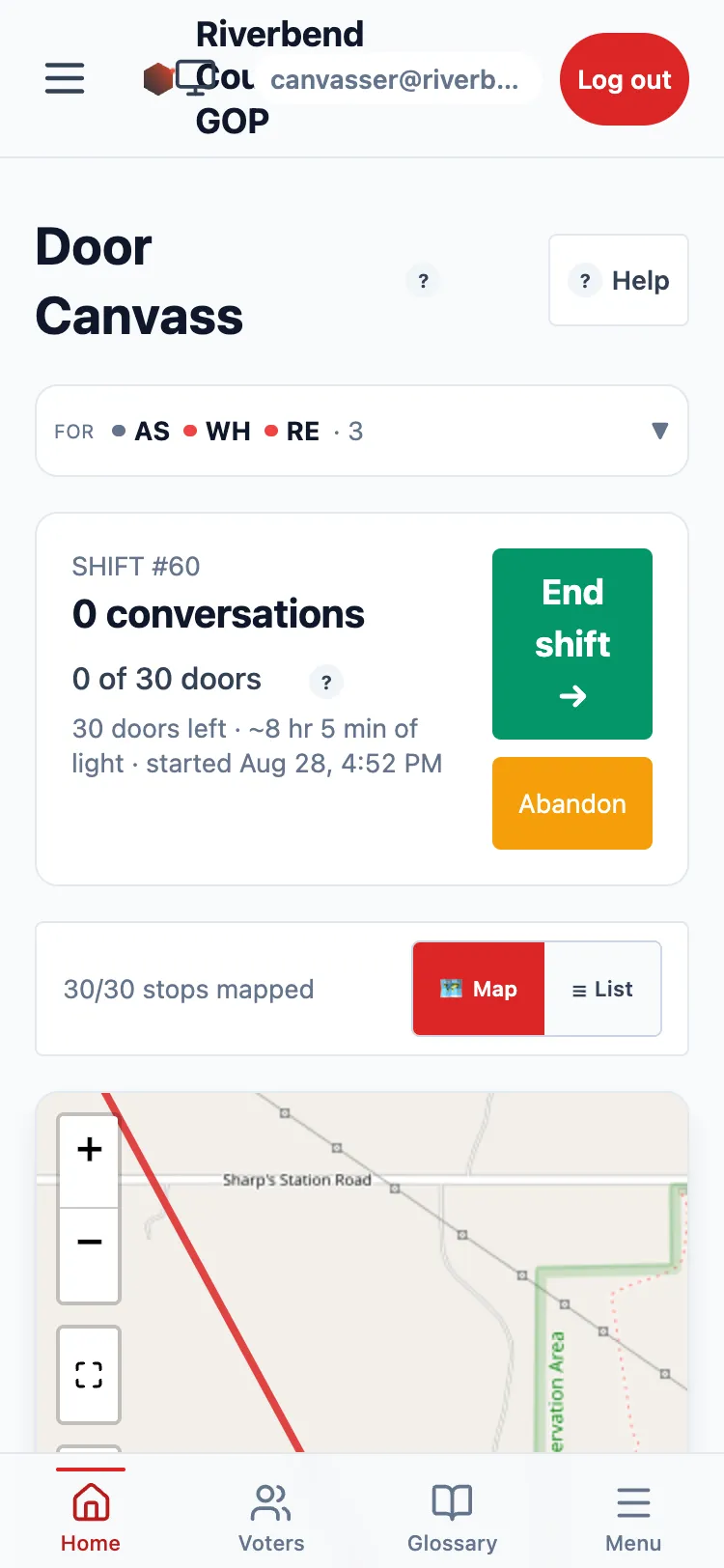
Mid-shift on a phone: the doors-knocked counter and the numbered stops still to walk.
Canvass review (AAR inbox)
Section titled “Canvass review (AAR inbox)”The Canvass Review view is where submitted After-Action Reports are validated. The feedback replay worker auto-applies the routine corrections; everything it can’t safely auto-apply lands in this inbox for a human — a coordinator — to confirm, edit, or reject before it touches the roll.
Think of it as the quality gate between “a canvasser typed a note” and “the roll changed.”
Close out the day (the Easy button)
Section titled “Close out the day (the Easy button)”Volunteers forget to tap End shift. The shift sits In Progress forever, and every throughput and coverage figure that counts completed shifts or measures elapsed time quietly inherits the mess. Ending them one at a time is the kind of chore nobody does.
Close out the day, on the AAR inbox, sweeps them. Press it with the defaults and it targets everything open longer than 12 hours, inside your turf.
It will not close someone who is still walking
Section titled “It will not close someone who is still walking”That is the whole design constraint. A sweep that ends a live shift destroys that volunteer’s ability to log the door they are standing in front of — strictly worse than the stale row it was tidying. So:
- The cutoff is deliberately generous. Someone who started at 9am and is still out at 8pm exists; someone still out the next morning does not.
- Anything newer than the cutoff is excluded and counted, so you can see it was considered.
- Every eligible row shows its canvasser, how long it has been open, and its knock count — the column that tells you at a glance whether somebody has been working in the last hour. Untick anyone who is genuinely still out.
Selecting rows only ever narrows the sweep. Eligibility is re-checked at the moment you commit, so naming a shift that is not eligible does not sweep it in, and a volunteer who tapped End shift between your preview and your press is not re-closed.
Activity dashboard
Section titled “Activity dashboard”The Activity view is the real-time feed of field work: which canvasser is logging knockbacks, at what pace, with what contact and refusal rates. Map pins flip color as outcomes land, and per-canvasser metrics update without a refresh.
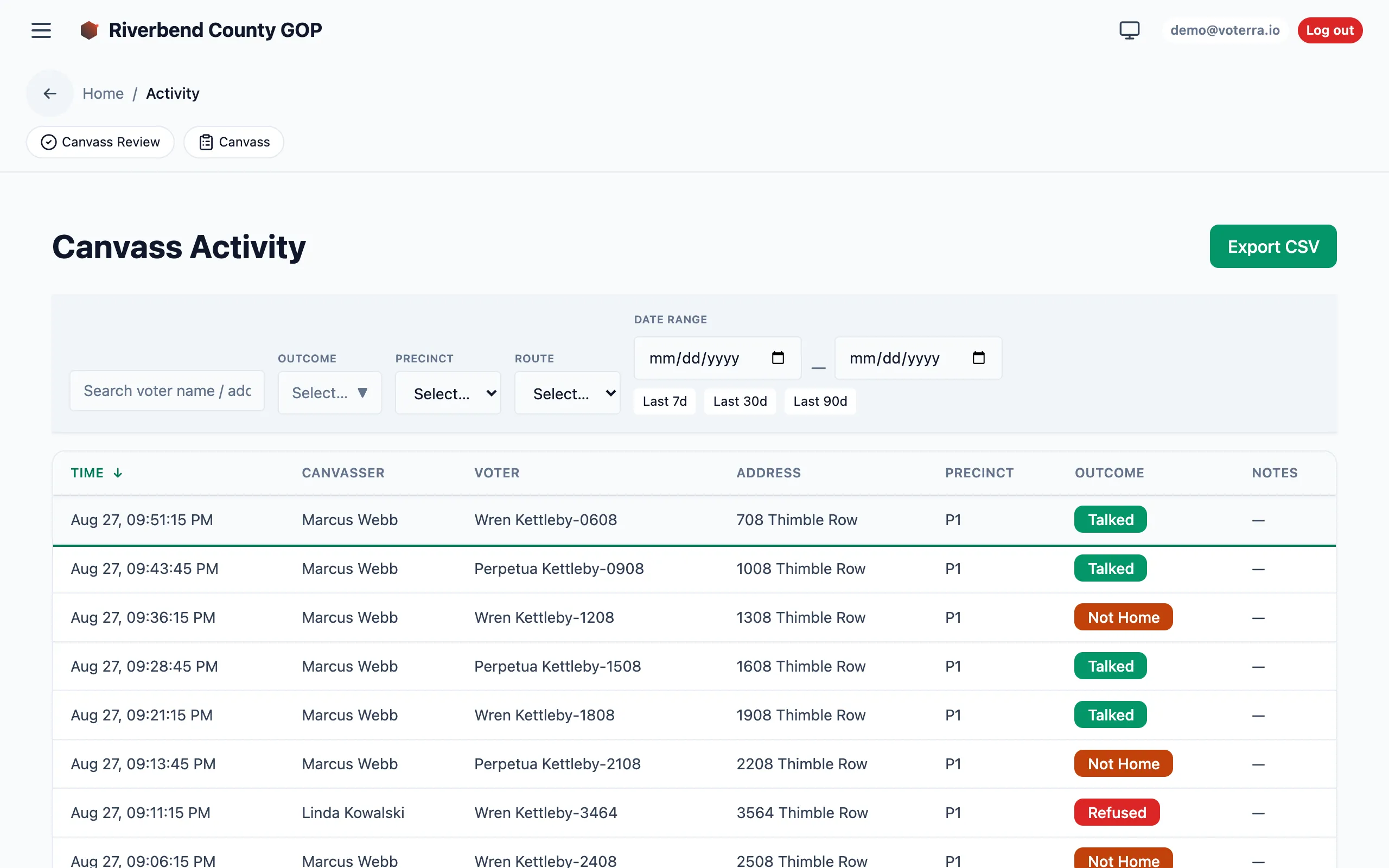
The live activity log — voter and address details blurred for privacy.
Who sees this
Section titled “Who sees this”Canvassers, coordinators, organization managers, and admins work canvass shifts. Review and activity are coordinator-and-up. See Roles & access.