
Org manager
You’re an org manager (formerly called “manager”) — the owner of your campaign organization inside the platform. You have full access within your organization, including user management and bulk export. You don’t operate other organizations; each one has its own admin.
What’s yours
Section titled “What’s yours”- Data — import and re-import the voter roll; recompute scores.
- People — invite users and assign the field roles within your organization. (Assigning a geographic scope or granting Admin/Org Manager is Admin-only — see Manage users.)
- Field — everything a coordinator does: build, assign, review.
- Messaging — author batch campaigns and oversee the P2P queue.
- Content — define issues, talking points, and scripts.
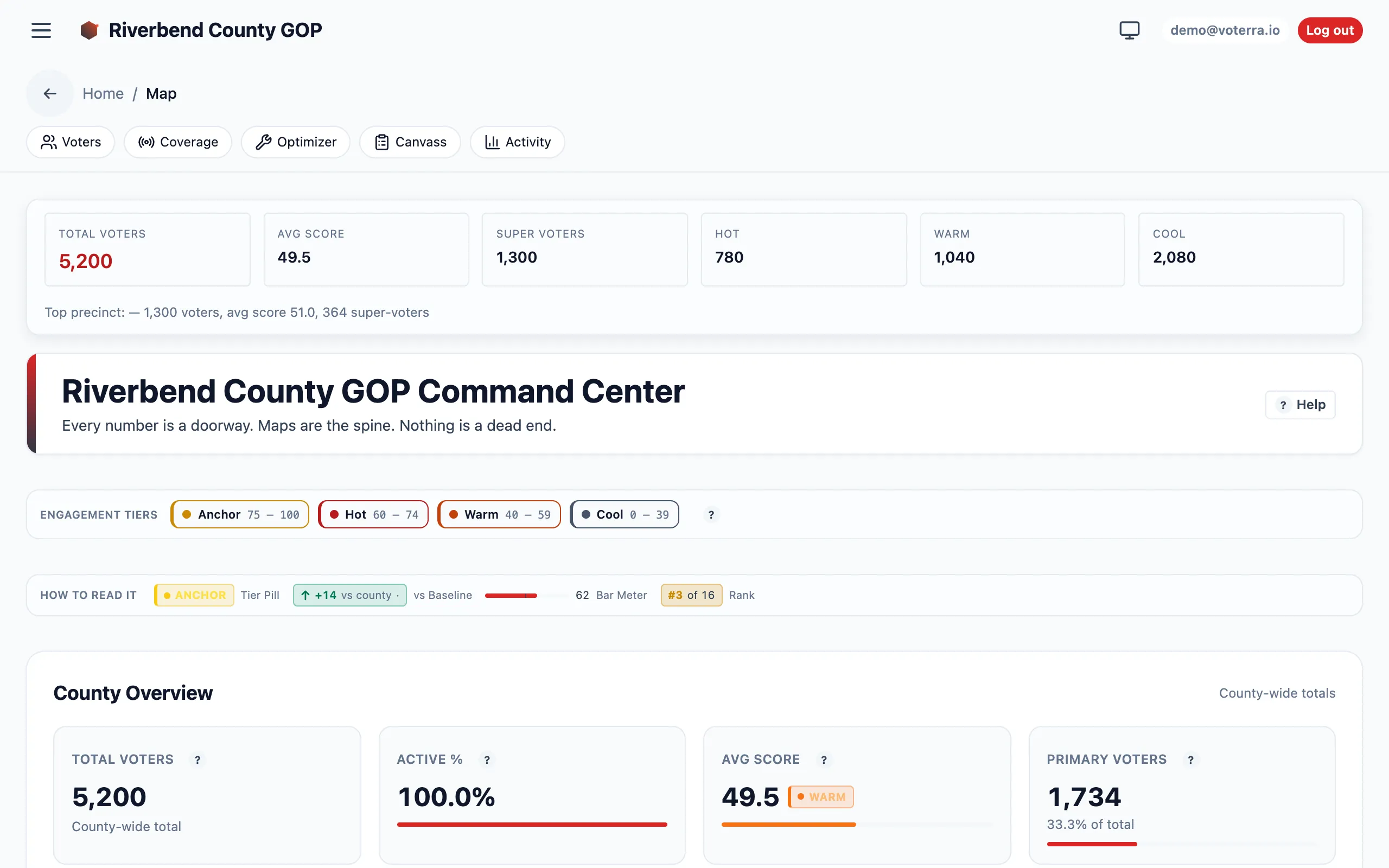
The command-center map gives org managers the org-wide read: KPIs, tier mix, and per-district cards.
A typical setup-to-running arc
Section titled “A typical setup-to-running arc”-
Import the roll. Import a voter roll; confirm the score distribution looks right.
-
Invite the team. Add coordinators, canvassers, analysts, and messengers, each with the right role.
-
Set the message. Configure campaign content — issues, talking points, tier scripts.
-
Launch the field. Hand targeting to analysts and turf-cutting to coordinators, or do it yourself.
-
Watch the whole organization. Use the intelligence suite and activity dashboard for the org-wide read.