
Canvasser
You’re a canvasser. You see only the routes assigned to you, and your job is to walk them and log what happens at each door. You don’t build routes or read the full roll — just your doors.
Your day
Section titled “Your day”-
Find your route. Open the Routes tab. Your assigned route shows a time window, stop count, and walking distance.
-
Open the route before you leave. Stops and voter info load up front, and any knocks you log with no signal queue on the phone and sync when you’re back in coverage.
-
Start the shift. Tap Start. The first stop highlights on the map.
-
Log every door. Pick one of six outcomes — talked, not home, refused, moved, come back, do not contact — and add a note. A two-sentence note is the single most valuable thing you capture.
-
Finish and debrief. Tap Finish route, fill the After-Action Report, and submit. Your notes reshape tomorrow’s routes within a minute.
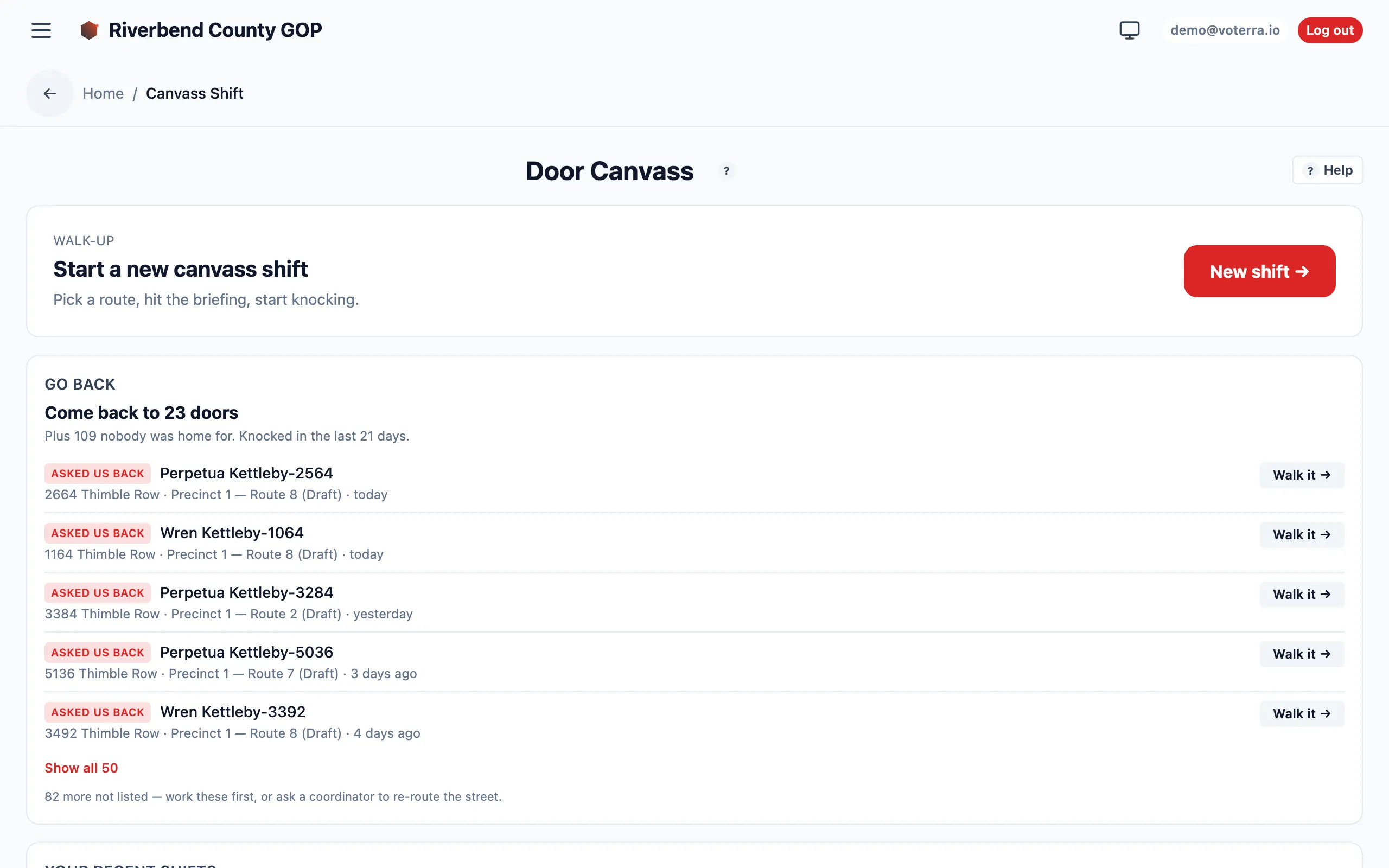
Start a shift from the Door Canvass screen; recent shifts stay listed below.
The whole flow is built for a phone — the screen you’ll actually use in the field tracks your door count and maps every stop as you walk:
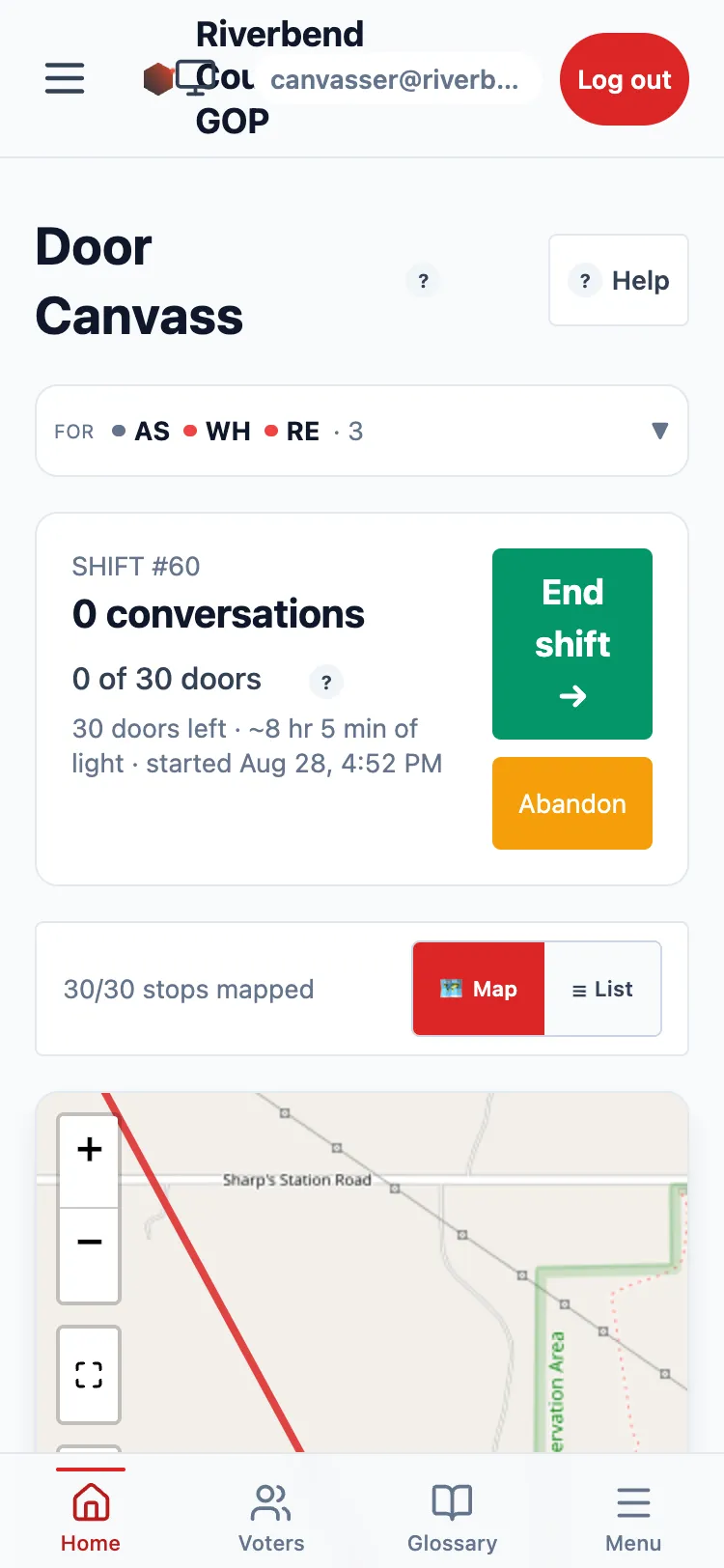
An active shift on a phone — progress counter up top, stops mapped below.
What you can and can’t do
Section titled “What you can and can’t do”- ✅ See and walk your assigned routes; log knockbacks; submit AARs.
- ❌ See the full voter roll, build routes, or read analytics.