
Messaging (SMS)
Voterra sends SMS two ways, with two different legal models behind them. Getting the distinction right matters: one is built around manual, one-at-a-time human sends (TCPA peer-to-peer), the other around pre-attested consented audiences (batch). They are not interchangeable.
Peer-to-peer messenger queue
Section titled “Peer-to-peer messenger queue”The Send Texts view is the P2P sending surface. A messenger works a queue one voter at a time: the next contact appears, the sender reviews and personalizes the message, and clicks send for that single recipient. Then the next one appears.
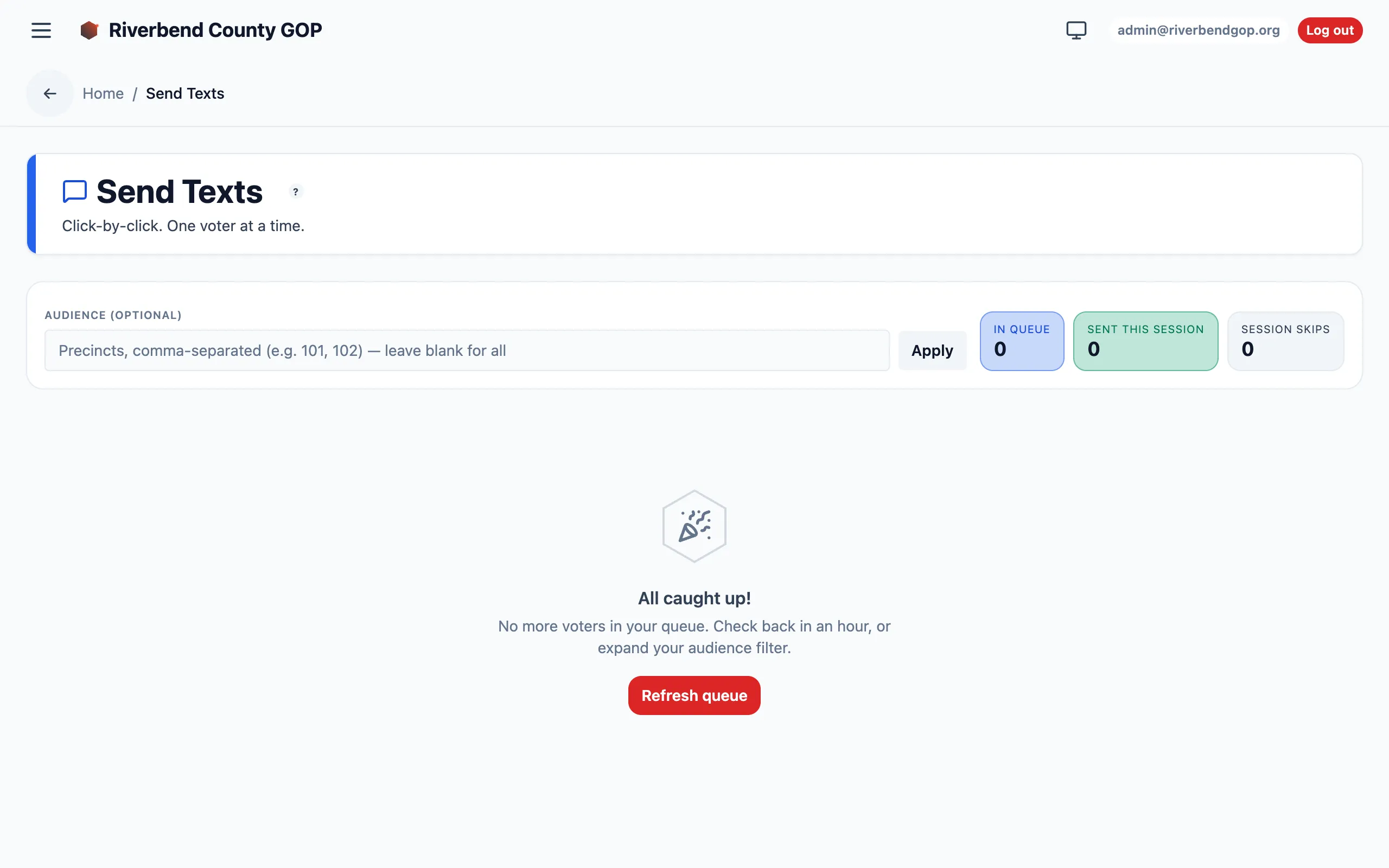
The messenger’s queue — an audience filter and live session counters.
This view is available to messengers (send-only) and to management roles.
Batch campaigns
Section titled “Batch campaigns”For consented audiences, the Campaigns views handle pre-built, scheduled sends:
| View | Purpose |
|---|---|
| Campaigns | List of batch campaigns and their status. |
| New campaign | Build a campaign: write the message (with an AI-assisted drafter), define the audience, and attest consent before it can launch. |
| Campaign detail | Per-campaign performance — send status, delivery, and outcomes. |
The composer requires an explicit consent attestation step: you confirm the selected audience has opted in before the campaign can be launched. Campaign authoring belongs to the SMS manager role (plus management roles) — see the SMS manager walkthrough.
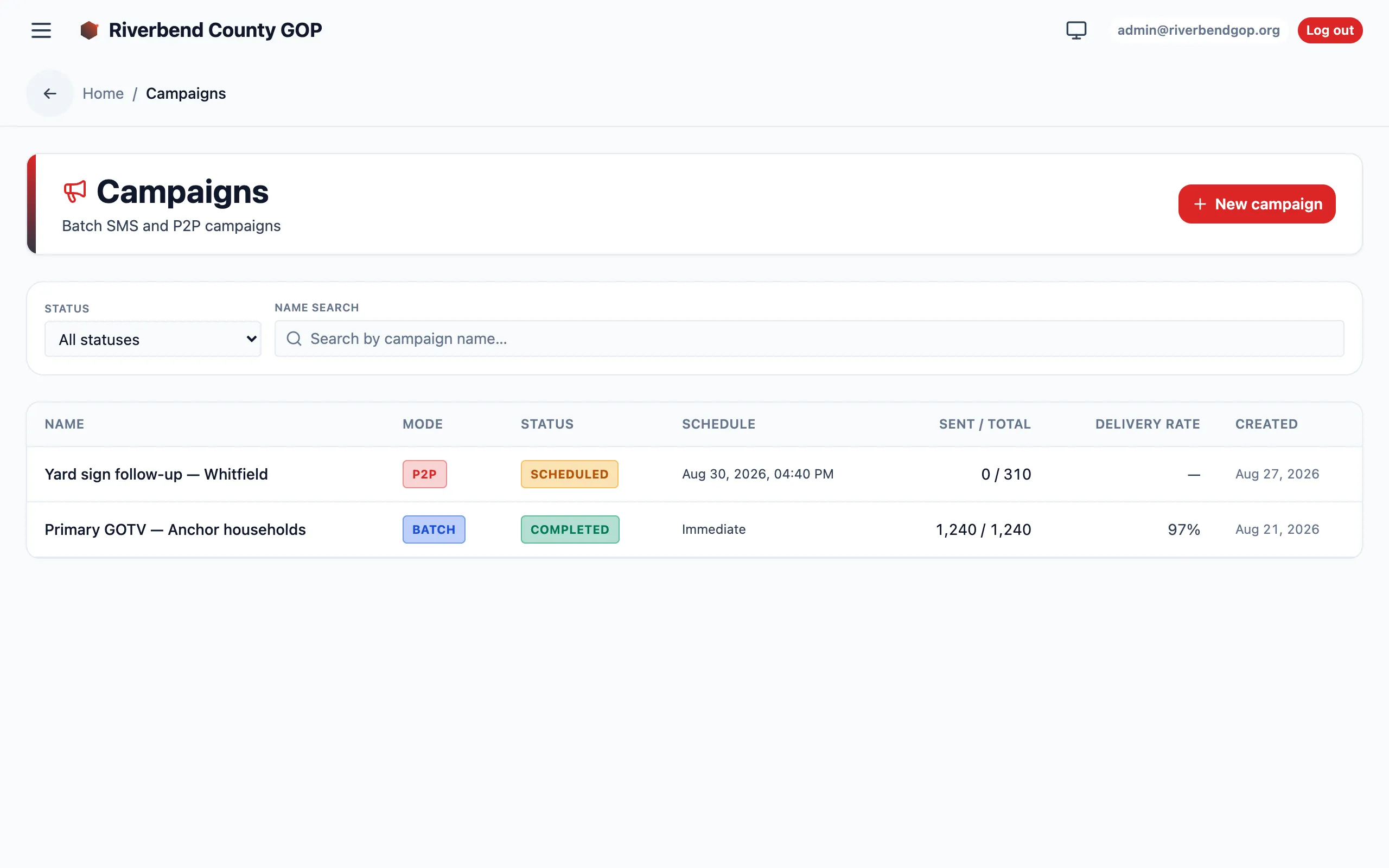
The Campaigns view lists each batch send with its mode, status, schedule, and delivery counts.
10DLC number pool
Section titled “10DLC number pool”The Numbers view (admin-only) manages the pool of 10DLC long-code phone numbers messages are sent from. 10DLC is the registered business-messaging standard for application-to-person SMS in the US.