
SMS manager
You’re an SMS manager. You build batch SMS campaigns — write the message, define the audience, attest consent, and launch. You work with real voter data to target, but you don’t get bulk PII export, and batch is distinct from the peer-to-peer queue.
Your day
Section titled “Your day”-
Start a campaign. Open New campaign. Draft the message — the AI-assisted drafter gives you a starting point.
-
Define the audience. Build the target set from the roll (tier, geography, prediction, prior contact).
-
Attest consent. Confirm the audience has opted in. The campaign can’t launch until you do — this gate is mandatory.
-
Launch and watch. Send (or schedule), then track delivery and outcomes in campaign detail.
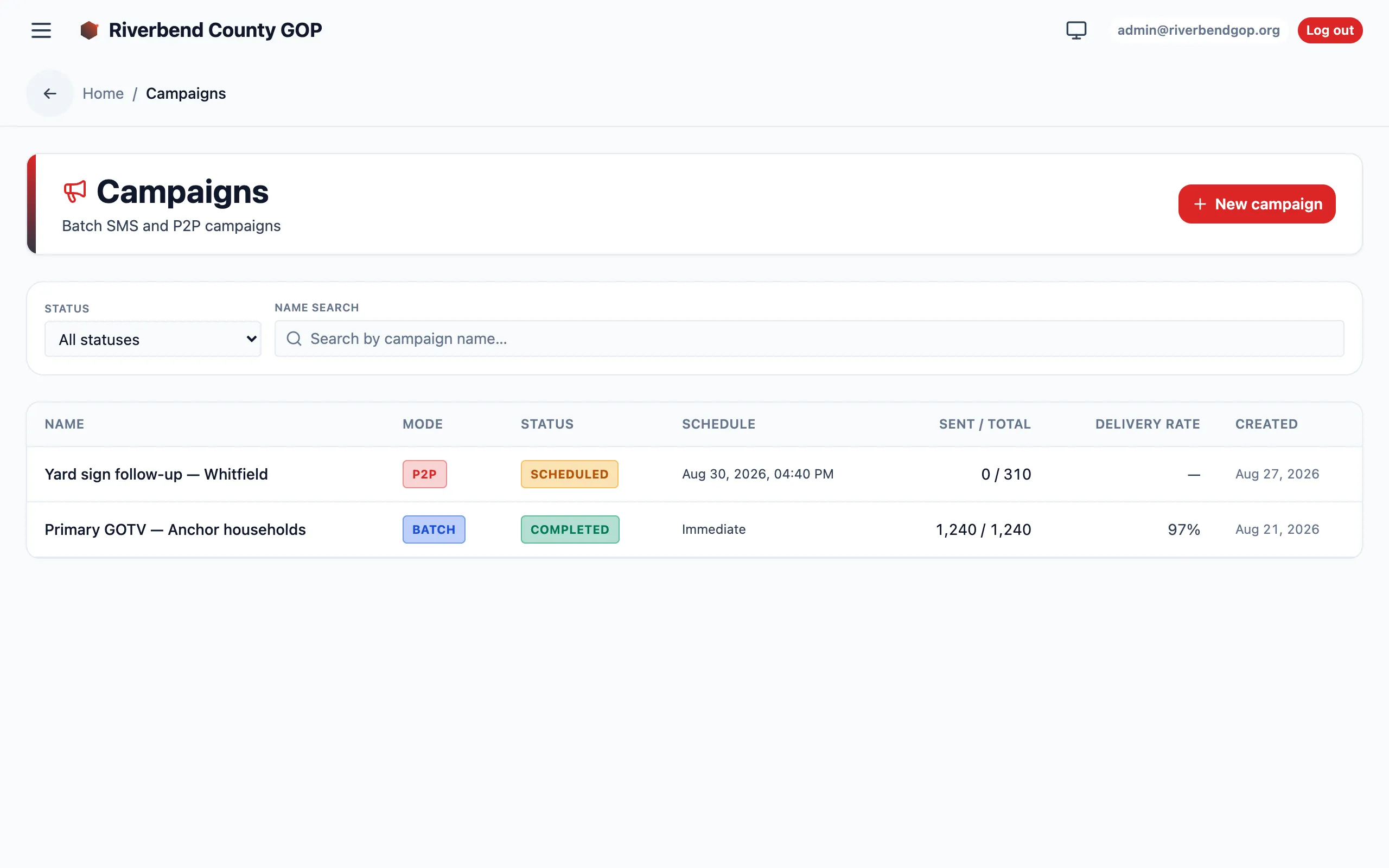
The SMS campaigns list is your launch pad and dashboard for batch sends.
Batch vs. peer-to-peer
Section titled “Batch vs. peer-to-peer”Use batch for a large, consented, opted-in audience getting the same message. Use the P2P queue for individualized, one-at-a-time outreach. They have different consent models — don’t substitute one for the other.
Reaching beyond text: mail
Section titled “Reaching beyond text: mail”Text isn’t the only channel. The Mail List Builder sizes and prices a tiered, household-deduplicated mailing list for a contest, so you can weigh a mail buy against a text send. You can preview the tier counts and cost to plan the mailer — but the CSV export is a bulk-PII-export role, so hand the actual export to an admin or org manager.