
Messenger
You’re a messenger. Your one job is the peer-to-peer SMS queue: you text voters one at a time, as a person, reviewing and personalizing each message before it goes. You can see voters (so you know who you’re texting) but you don’t design campaigns or read the analytics suite.
Your day
Section titled “Your day”-
Open the queue. Go to Send Texts. The next voter appears with their context and a suggested message.
-
Personalize. Read the draft, adjust it for this specific person, and make sure it fits the conversation.
-
Send the one. Click send for this recipient. The next voter appears.
-
Repeat. Work the queue at a human pace. Replies route back for follow-up.
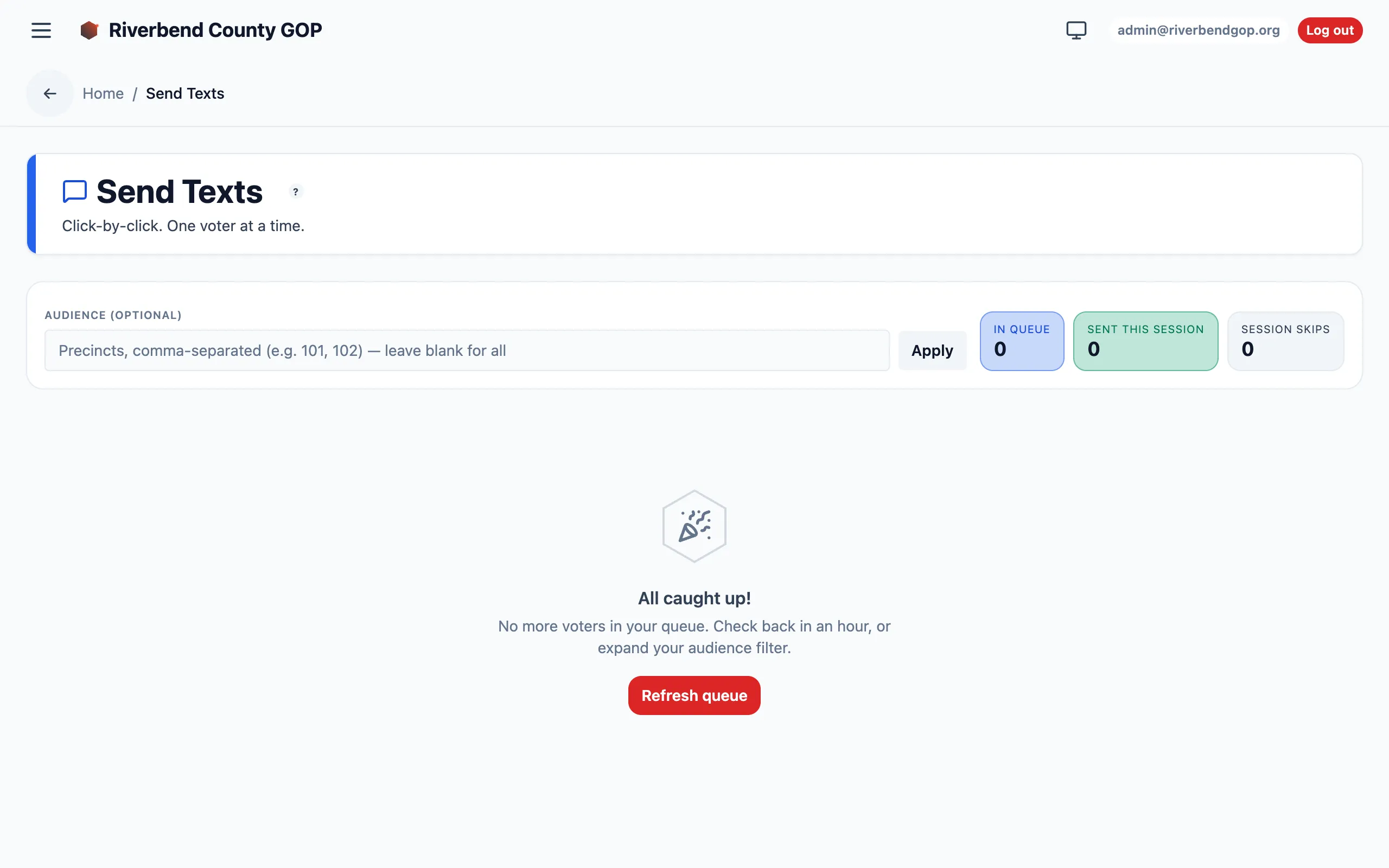
The Send Texts screen — one voter at a time, with your session’s queue, sent, and skip counts always in view.
Go deeper
Section titled “Go deeper” Messaging (SMS) P2P vs. batch, and the 10DLC number pool.
SMS manager When you need batch instead of P2P.