
Administration
The administration surface is where your organization is kept healthy: auditing what changed in the roll, reconciling vendor data, tuning branding, and giving every user a shared vocabulary. Most of these views are admin-only.
Data Changes
Section titled “Data Changes”The Data Changes view (admin-only) is the diff between the previous voter roll and the most recent import. After a reimport, it shows what was added, what changed, and what went stale — so a roll update is auditable rather than a black box. Pair it with the Import a voter roll guide.
Enrichment reconcile
Section titled “Enrichment reconcile”The Enrichment Reconcile view (admin-only) resolves ambiguous or unmatched rows from a third-party enrichment file (e.g. appended cell phones from a data vendor). High-confidence matches apply automatically; the rows the matcher isn’t sure about land here for a human decision.
Coalitions
Section titled “Coalitions”The Coalitions admin (admin-only) groups a subset of your organization’s candidates into a named coalition — e.g. a school-board slate, an issue-aligned bloc, or a joint canvass with a neighboring campaign.
Two things a coalition can do:
- Narrow the slate at the door. When Route Autoplan or a canvasser’s field-mode view is scoped to a coalition, the door script and slate references show only the coalition’s candidates. Without a coalition selected, everything falls back to your organization’s default slate.
- Scope Campaign Setup starter routes. The launch wizard can build starter routes against a coalition rather than the whole organization, so a new candidate joining a slate can start walking the coalition’s shared targeting from day one.
Settings
Section titled “Settings”The Settings view holds two separate things.
Your organization’s brand colour (admin-only) is chosen from a set of swatches. It is the accent used across the app — headers, highlights, and the signal colour on your charts. Saving asks you to confirm, because the change applies to everyone in your campaign, not just you.
Your theme preference (any user) is light, dark, or follow-your-system, and applies only to your own account.
Your organization’s name is not set here. The name in the top-left and on your Command Center title comes from your organization’s record, created during onboarding — if it’s wrong, ask your Voterra team. See Tenants and roles.
Glossary
Section titled “Glossary”The Glossary view is the in-app dictionary of terms — tiers, outcomes, prediction models, route states. It’s available to every role, so a new canvasser and a seasoned analyst share the same definitions. When a term in this documentation is ambiguous, the glossary is the in-product source of truth.
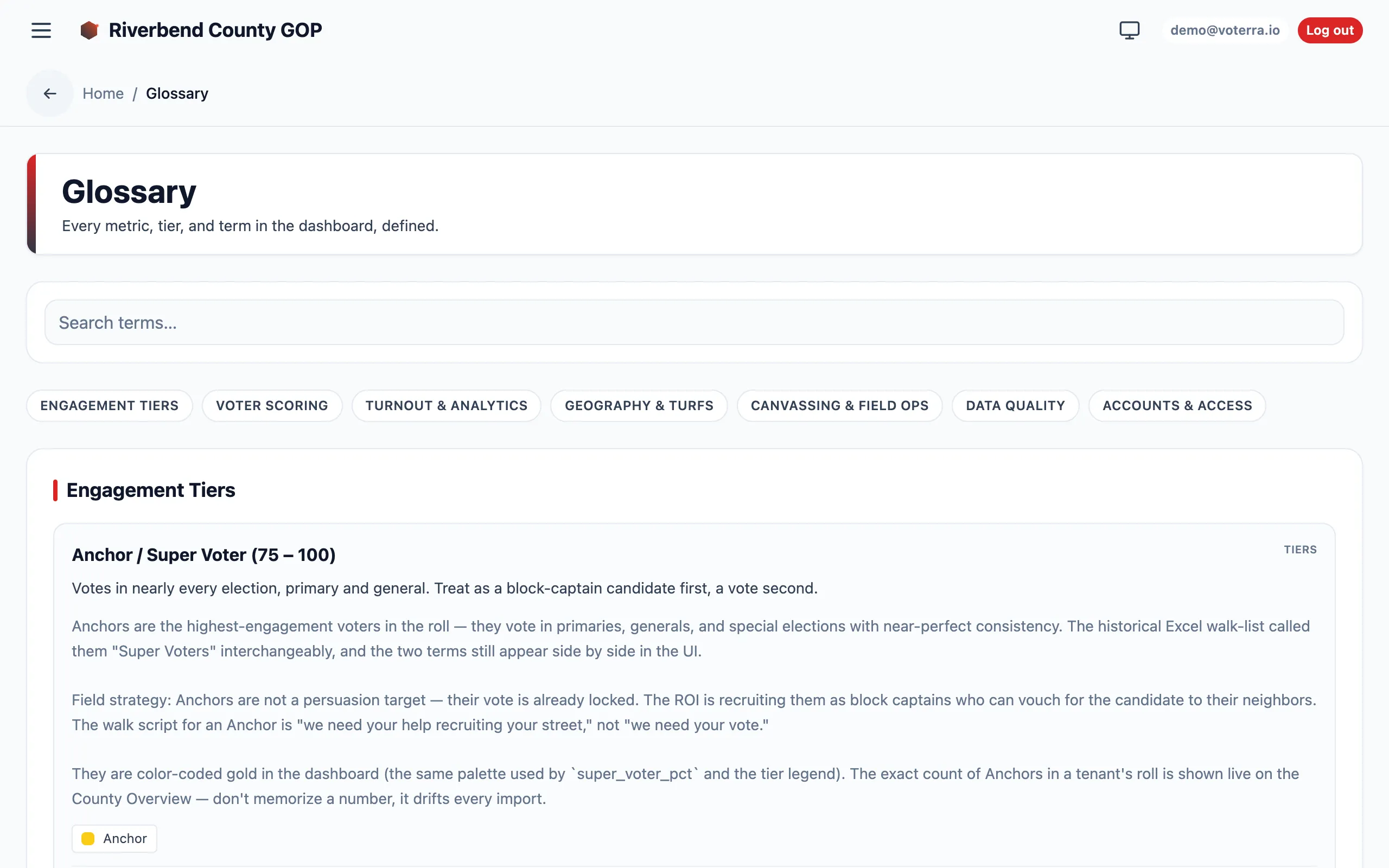
The Glossary groups terms by category chips, with a definition card for each term.